Referrals Details: Patient Facesheet
- Get Started
- Troubleshooting and FAQ
- Release Notes
- AI Agents
- Patient Channel
- Triggers
- Technical Specifications
- Patient Facesheet
- Insights & Analytics
- Conversation Flows
- Campaigns
- SMS Basics
- Inbox
- Lines & Resources Requests
- Lines, Events, Resources
- Referrals
- Add-Ons
- Users and Groups
- Platform Settings and Configuration
- Self-Rescheduling
- Recalls
- Artera Harmony Federal Edition
- Marketplace
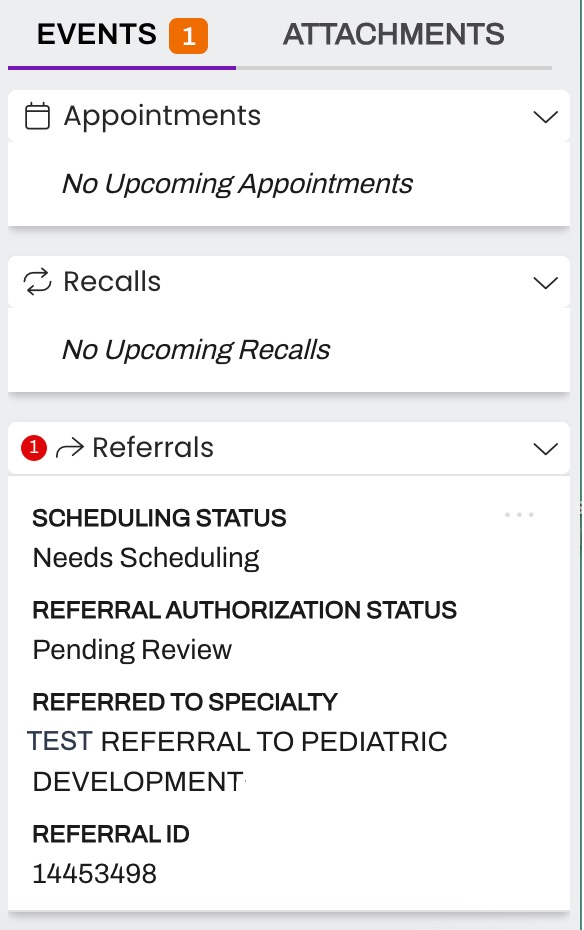
If implemented by your organization, Referrals display on the Patient Facesheet under the Referrals section within the Events tab.
Viewing Referral Details
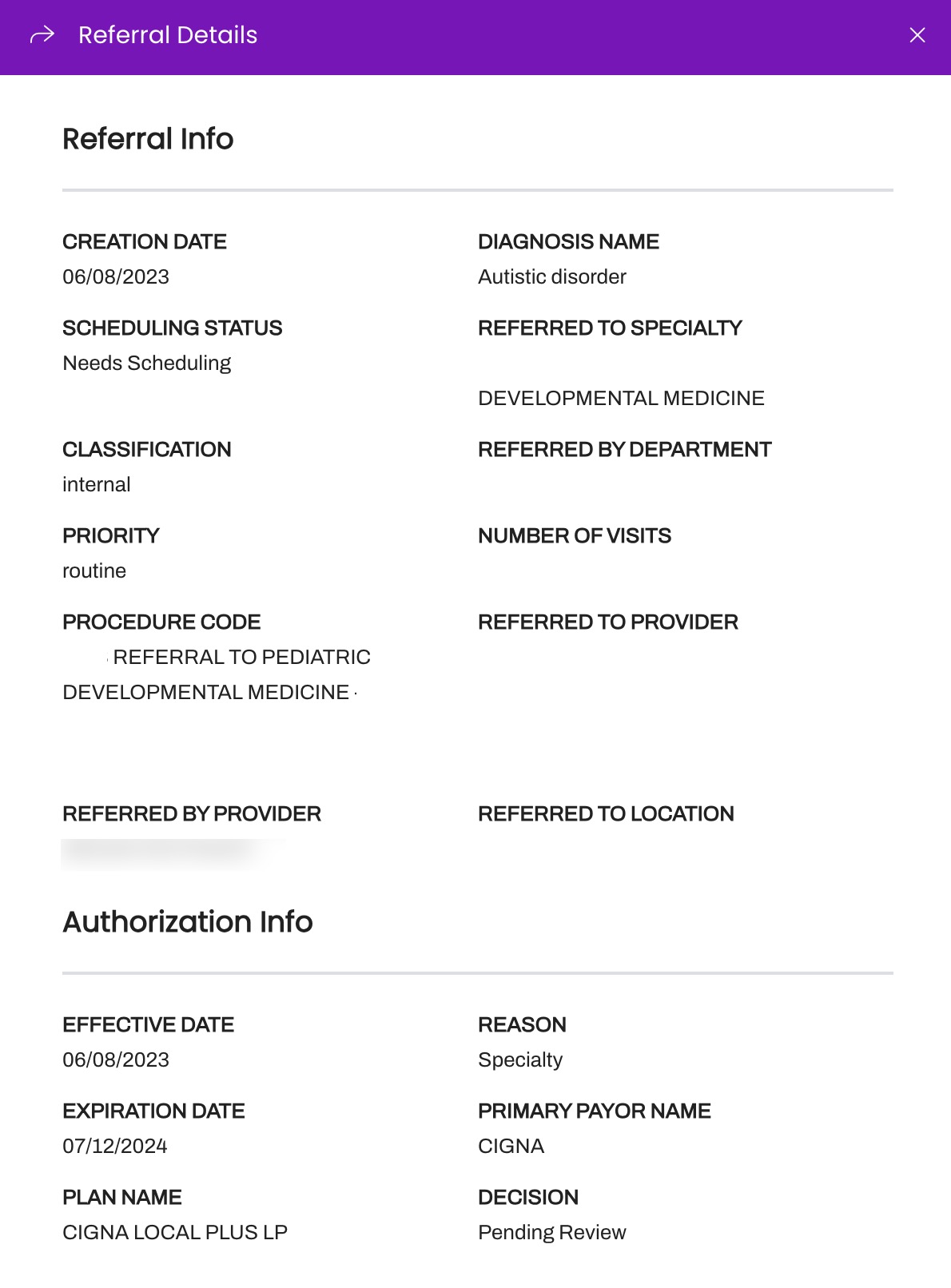
- You can open the referral from the Patient Facesheet to view the Referral Details mapped from your EMR. This can include "Referred to Department" or "Referred to Specialty".
-
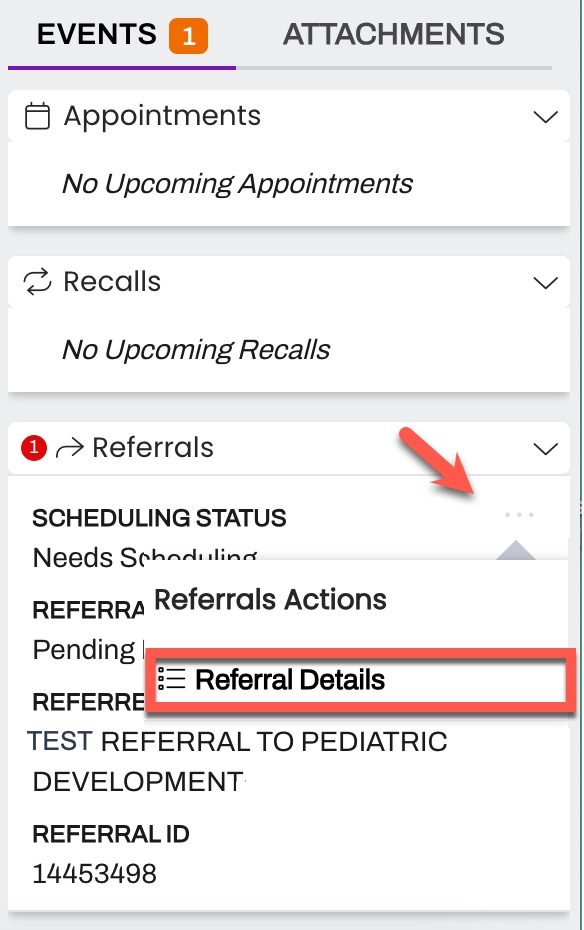
To view Referral Details, click on the Referral's (...) menu and choose Referral Details.
- Depending on the data passed through the integration between Artera and your EMR, some fields may be blank.